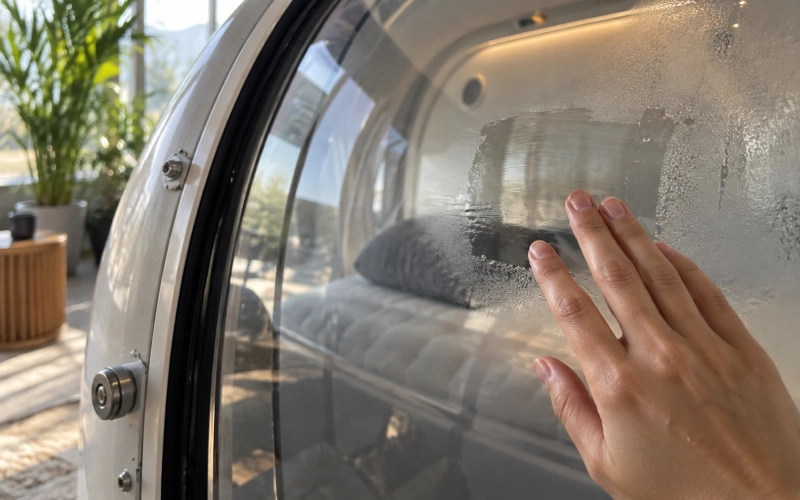
Here’s the honest version: most humidity numbers you write down won’t help you. A reading like “42% at 11:30” doesn’t say if your chamber is fine, getting worse, or just having a humid Tuesday. On its own, it’s decoration.
What does help is a short log that shows when something started to drift. That’s the whole job. You’re not chasing a perfect number. You’re learning what “normal” looks like for your chamber, in your room, so you notice when it changes.
Quick answer: the fields worth recording
- Relative humidity (RH) inside the chamber
- Temperature, taken at the same time and place
- Chamber pressure (ATA or kPa)
- When in the session you took it (start, holding pressure, end)
- Where the sensor sits, and which sensor it is
- Any visible water, fog or damp spots, and where
- What you did about it, and who checked
Everything else is optional. A number without fields 2 to 5 next to it can’t be compared with anything.
Is there a rule that says you have to log humidity?
No. The Undersea and Hyperbaric Medical Society (UHMS) put it plainly: “There are no codes we are aware of specifically regarding humidity control in the monoplace hyperbaric suite.”[1]
The UHMS guidelines for single-person chambers do mention humidity, but for the room around the chamber, not the inside. They say the room should be kept above 50% RH, with the temperature near 80°F, mainly to stop static building up.[2]
The U.S. Food and Drug Administration (FDA) takes a similar line. Its 2025 letter tells facilities to follow the maker’s instructions for cleaning, maintenance and safety checks. It doesn’t set a humidity number.[3] So the first place to look is your own chamber manual. If the manual gives a range, that range wins.
Bottom line: logging humidity is a choice, not a legal must for a home wellness chamber. It’s a useful choice when you see condensation, smell something musty, or want early warning before a service call.
Compressed air vs. oxygen-rich chambers: why the reasons differ
Many of the published humidity figures were measured in chambers filled with oxygen-rich gas. There, dry air plus lots of oxygen plus static is a fire concern. NFPA 99, the U.S. code for these systems, notes in its annex (A14.3.1.6.4.3) that humidity above 60% nearly removes static potential. But that note sits in the context of chambers with more than 23.5% oxygen. UHMS added: “In our opinion this relates to the class A chamber not the room housing the chamber.”[1]
A compressed-air chamber is filled with ordinary air, about 21% oxygen. So the static-and-fire reason doesn’t carry over the same way. For air chambers, the everyday reasons to watch humidity are more down to earth:
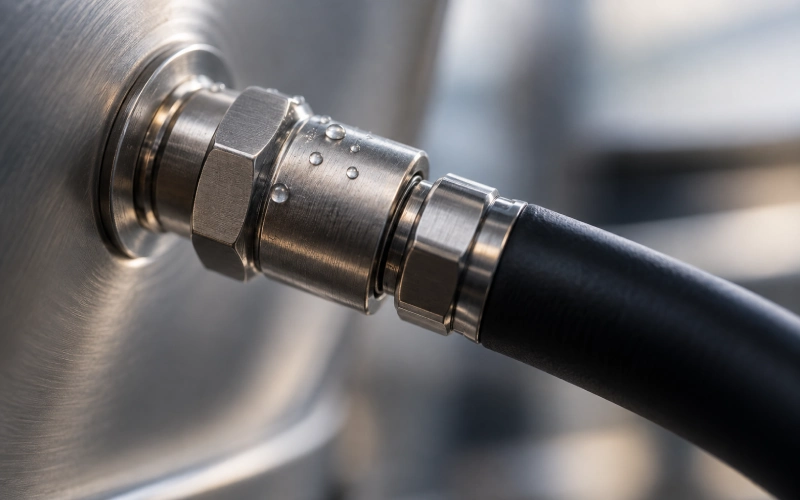
- Condensation on windows, zippers, fittings and hoses
- Mold and musty smells in fabric, cushions and corners
- Wear on seals, coatings, foam and metal parts
- Comfort for the person inside
- A reference point so you can spot drift early
Why humidity moves around inside a chamber
Chamber humidity is never still. A few things push it up and down:
- Pressure changes. Air warms up as you pressurize and cools as you release pressure. When warm, damp air touches a cold surface, water can come out of it as fog or droplets.
- Airflow. Compressed air from a filter and dryer is usually drier than room air. More flow tends to mean drier air inside. Less flow lets moisture build up.
- The person inside. Breath and skin add moisture every minute. A longer session with low flow will read higher.
- The room. A humid summer day, a cold basement or a new air-conditioning setting all change what goes into the chamber.
- Soft materials. Fabric, mattress covers and cushions soak up moisture and let it out slowly.
One sensor is one spot, not the whole chamber
This is the part that trips people up. Air inside a chamber doesn’t mix evenly. A study on chamber ventilation checked 15 points inside one chamber. At 160 kPa, 6 of the 15 points were under-ventilated. At 220 and 280 kPa, 2 of 15 were.[4] So some corners get less fresh air than others.
Where you put the sensor matters just as much. In one study on an air-pressurized single-person chamber at 2.0 ATA, humidity inside the chamber averaged 40.52%, while the same gas read 12.79% at the external monitoring unit.[5] Same session, very different numbers, because the sensors were in different places.
That’s why the log needs a “sensor location” field. If your panel says 35% and there’s fog on the window, both can be true. They’re measuring different spots.
What the published numbers show
There isn’t one right number. Published figures change a lot with chamber type, gas, flow and pressure:
| Source | Figure | What it applies to |
|---|---|---|
| NBDHMT Position Statement 2024-2[6] | About 28% RH at high flow; “in the 60’s” at low flow | Oxygen-filled single-person chambers. Dry gas at high flow keeps RH low. |
| Lee et al., 2024[5] | 40.52 ± 14.13% at 2.0 ATA; 22.69 ± 13.14% at 3.0 ATA | Air-pressurized single-person chamber, measured inside. |
| UHMS guidelines[2] | Above 50% RH | The room around the chamber, for static control. |
| IHMF, Class A Mishaps 2025[7] | Above 45% “whenever possible” | Multi-person chambers. Depends on ventilation and gas exchange. |
| CDC mold guidance[8] | No higher than 50% | Homes, for mold control. Not written for chambers. |
Notice how the numbers pull in different directions. Static control wants more moisture. Mold control wants less. For a compressed-air chamber, where static isn’t the main worry, condensation and mold are usually the everyday concern. That’s one more reason to track your own baseline instead of copying a single target.
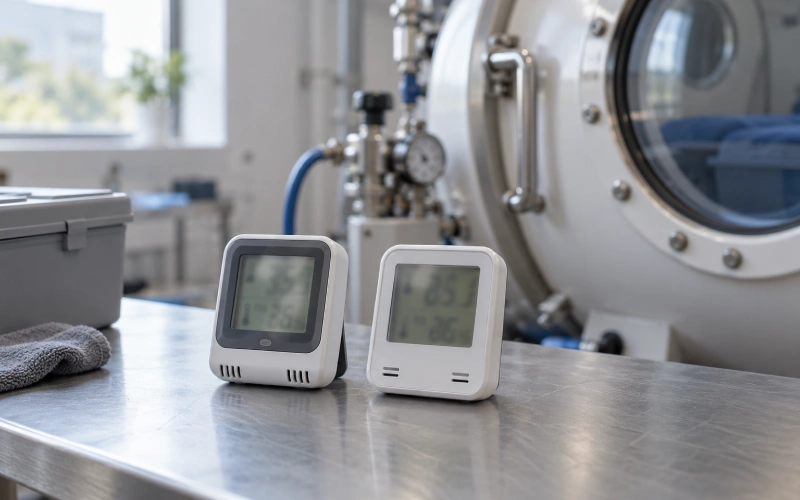
The fields worth recording, one by one
1. Relative humidity
The headline number. Write it as a whole number. More on why below.
2. Temperature
RH depends on temperature. The same amount of water in the air shows a higher RH when the air is cooler. Without temperature, you can’t tell if RH went up because the air got wetter or just cooler.
3. Pressure
Pressure changes how humidity behaves and how some sensors read it. Always pair RH with the pressure at that moment. A reading at 1.3 ATA and one at surface pressure aren’t the same kind of number.
4. Point in the session
Start, holding pressure, and end will read differently. Pick one or two points and stick with them. Consistency beats volume.
5. Sensor and location
Note where the sensor sits (near the inlet, near the exhaust, at head height) and what it is. Two details matter here:
- Is it rated for pressure? A sensor made only for normal room pressure may not read right inside a pressurized chamber. Check your chamber manual or the sensor’s spec sheet.
- How accurate is it? The sensor in the study above was rated 5 to 95% RH, ±3% below 70% RH.[5] With that kind of accuracy, 41% and 43% are basically the same reading.
If you move or replace the sensor, write it down. A new sensor can shift your baseline overnight.
6. Visible water
Fog, droplets, a damp liner, a wet zipper track. This is often more useful than the number. Note where and roughly how much. “Light fog, lower left of window” is a great entry.
7. Action and who checked
If you did something (wiped, aired out, opened a valve, called for service), write it. Add initials. Next time something odd happens, you’ll know what was tried and whether it worked.
Dew point: the number that tells you when water shows up
RH tells you how close the air is to full at its current temperature. Dew point tells you the temperature where water starts to come out of the air.
For compressed-air systems, dew point is often the more useful number. Compare it with the coldest part the air touches, like a window edge, a metal fitting or a hose on a cold floor. If that surface is colder than the dew point, you’ll get water there, whatever the RH display says.
Many chambers don’t show dew point, and that’s fine. Plenty of phone apps and online calculators turn RH plus temperature into dew point. If condensation keeps coming back in one spot, working out the dew point once or twice usually explains why.
Baseline and drift: the part that makes the log useful
Here’s how to build a baseline without much effort:
- Log 5 to 10 normal sessions in the same room, with the same flow settings, at the same point in the session.
- Look at the spread. That’s your normal band for this season.
- After that, you don’t need every session. Log weekly, and any time something changes.
Our working rule, not a standard: if readings sit about 10 points outside your normal band for three sessions in a row, start looking for a cause. One odd reading is noise. A run of them is drift.
Re-check your baseline when the season changes, when you move the chamber, or when you swap a filter, hose or sensor.
A simple drift log you can copy
Example values only, to show the layout. These aren’t measurements.
| Date / point | Pressure | RH | Temp | Sensor spot | Visible water | Room note | Action / initials |
|---|---|---|---|---|---|---|---|
| Sep 3 / holding | 1.3 ATA | 44% | 24°C | Panel sensor, head end | None | AC on | None / JL |
| Sep 10 / holding | 1.3 ATA | 46% | 24°C | Panel sensor, head end | None | AC on | None / JL |
| Sep 17 / holding | 1.3 ATA | 57% | 23°C | Panel sensor, head end | Fog, lower window | Rainy week, AC off | Aired out 2 h, liner dried / JL |
| Sep 19 / holding | 1.3 ATA | 47% | 24°C | Panel sensor, head end | None | AC back on | Back in band / MK |
Four lines, and the story is clear: the room changed, the chamber followed, and a simple fix brought it back.
Soft chambers vs. hard chambers
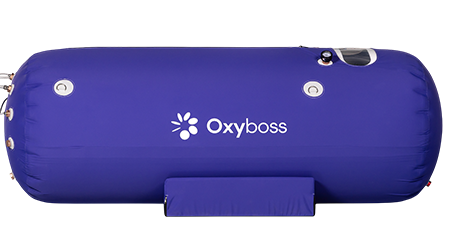
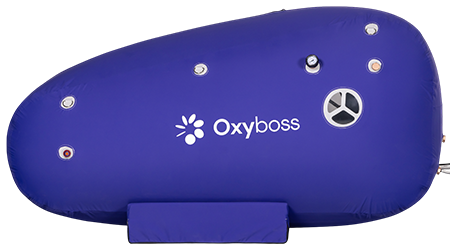
Soft chambers have fabric or coated-textile walls, zippers and often a mattress inside. The material itself can hold moisture. If a liner or cover stays damp, it lets that moisture back into the air next session. That’s why a soft chamber can smell musty while the RH looks normal: the sensor reads the air, not the fabric. For soft chambers, add a quick “dry to the touch after airing?” check to the log. Unzip and air it out after use, and dry covers fully before storing.
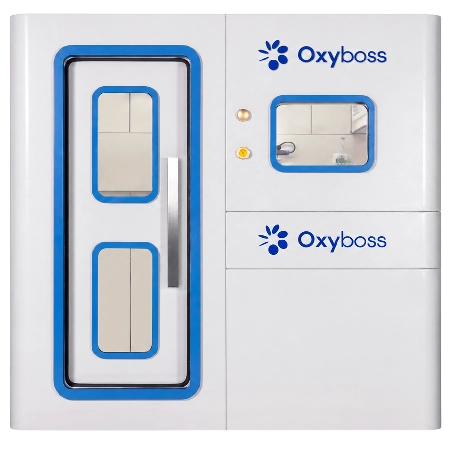
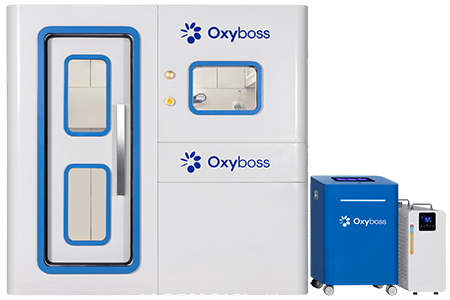
Hard chambers don’t soak up water, but they have cold spots. Windows, door rims and metal fittings cool faster than the air, so that’s where fog and droplets form. For hard chambers, note which window or fitting fogs, and whether it clears once pressure is steady. If one spot keeps fogging, that’s a dew-point problem, not a sensor problem.
What isn’t worth recording
- A bare RH number. No pressure, temperature, time or sensor spot means nothing to compare it with.
- Minute-by-minute readings. One or two fixed points per session tell you more.
- Decimals. With a ±3% sensor, 42.6% vs. 43.1% is noise.
- Every session, forever. Once your baseline is stable, weekly plus “whenever something changes” is enough at home.
- Compressor water in the humidity log. Water in the compressor tank or filter bowl belongs in the maintenance log. Drain and service it as the manual says.
- Multiple sensor spots, day to day. Save that for troubleshooting a spot that keeps getting wet.
When drift shows up: what to check
- Seals, zippers and hose connections for leaks
- Filters and the air supply, for lower flow than usual
- Fabric parts, covers and cushions for trapped moisture
- The room: season, air conditioning, dehumidifier, where the chamber sits
- Any recent change: new sensor, new hose, moved chamber, new session length
Write down what you checked and what you changed. Then log the next two or three sessions to confirm it’s back in your normal band. If it isn’t, contact the chamber maker with your log. A few dated lines with pressure, RH, temperature and photos of any fog make a service call much faster.
Home use vs. business use
At home, keep it light. A notebook page or a phone note works. Keep the log for as long as you own the chamber. It’s useful for warranty and service questions.
In a business such as a wellness center or gym, several people may run the chamber. Here the “who checked” field matters more. For reference, UHMS-accredited facilities are expected to keep equipment logs, sign them before a chamber returns to service, and keep maintenance records showing they followed the maker’s specifications.[9][10] UHMS doesn’t set one fixed number of years. A wellness business isn’t bound by those rules, but copying the habit is cheap: initials on every line, notes on every fix, and records kept with your maintenance file.
FAQ
What humidity should a compressed-air hyperbaric chamber have?
There’s no single code number for inside the chamber. Start with your chamber manual. If it doesn’t give a range, build your own baseline from normal sessions and watch for drift. Published figures range from the 20s to the 60s, depending on gas, flow and pressure.
Is fog on the chamber window a problem?
A little fog during pressure changes is common, because the air warms and cools. If it stays, keeps coming back in the same spot, or leaves water pooling, note it and check airflow, room conditions and seals. Wipe and dry the area after the session.
Does the 60% humidity figure in NFPA 99 apply to air chambers?
That annex note is about static in oxygen-rich chambers with more than 23.5% oxygen. A chamber filled with ordinary compressed air is a different case. UHMS read it as applying to Class A chambers, not the room around a chamber.
How often should I log humidity at home?
Log 5 to 10 sessions to build a baseline. After that, weekly is usually enough, plus any time you see water, smell mustiness, or change something about the setup.
Can I use any humidity sensor inside the chamber?
Not always. A sensor built only for normal room pressure may not read correctly under pressure, and anything you put inside should be allowed by your chamber manual. Check with the chamber maker before adding a device.
The bottom line
A humidity log is only worth keeping if it can answer one question: when did things start to change? Record RH with temperature, pressure, time and sensor spot. Note any visible water, what you did and who checked. Build a baseline, then watch for drift. That’s it. Skip the rest.
References
- Undersea and Hyperbaric Medical Society. MEDFAQs: Standards and Codes. uhms.org
- Undersea and Hyperbaric Medical Society. Monoplace Hyperbaric Chamber Guidelines (PDF). uhms.org
- U.S. Food and Drug Administration. Letter to facilities on following instructions for safe use of hyperbaric devices, 2025. fda.gov
- Effectiveness of hyperbaric chamber ventilation. Diving and Hyperbaric Medicine. PMC10586871. pmc.ncbi.nlm.nih.gov
- Lee HY, Lee Y, Kim H, Paik JH. Mechanical improvement of gas monitoring system in monoplace hyperbaric chamber. Medical Devices: Evidence and Research. 2024;17:217–227. doi:10.2147/MDER.S465022. dovepress.com
- National Board of Diving and Hyperbaric Medical Technology. Position Statement 2024-2, April 2024. nbdhmt.org
- Fox TM. Class A Mishaps 2025. International Hyperbaric Medical Foundation (PDF). ihmf.org
- Centers for Disease Control and Prevention. Mold: Preventing. cdc.gov
- Undersea and Hyperbaric Medical Society. MEDFAQs: Accreditation and Licensure. uhms.org
- Undersea and Hyperbaric Medical Society. Accreditation Manual, Fourth Edition (PDF). uhms.org