What this page is. Your chamber won’t start, won’t inflate, is slow to build pressure, or won’t hold pressure — and you’re about to reach out for support. This page tells you what to check first and what to write down, so the first message to your service team already has everything they need.
What this page is not. Not a plan for opening a wellness studio. Not a rebuild guide. Not medical advice. If someone inside the chamber feels sick, ends the session, comes out, checks in.
The two clocks you’re actually measuring
Half of the “my chamber is slow” reports fall apart the moment you ask which clock the person is reading. There are two, and they answer different questions.
Clock 1 — the recommended pressurization time. This is on purpose. Ramping up too fast makes ears hurt. So the schedule is set to let people equalize.
Clock 2 — the mechanical fill time. How fast the compressor and the chamber can physically build pressure with the door sealed and no leaks. This is a hardware number.
If you say “my chamber is slow” and don’t say which clock, no one can help. Write down both.
Reference times for our chambers (mechanical fill, empty chamber, sea-level ambient):
| Target pressure | Typical time |
|---|---|
| 1.3 ATA | ~5 min |
| 1.5 ATA (soft chambers, max) | 10–12 min |
| 2.0 ATA (hard chambers, max) | 20–25 min |
Larger models take a bit longer. If your run is within a couple of minutes of these numbers, you’re inside spec — even if the previous run felt faster. If you’re ten minutes over, something is off and this page is for you.
Which platform are you on?
Startup behavior is not the same across form factors. Sort yourself before you troubleshoot.
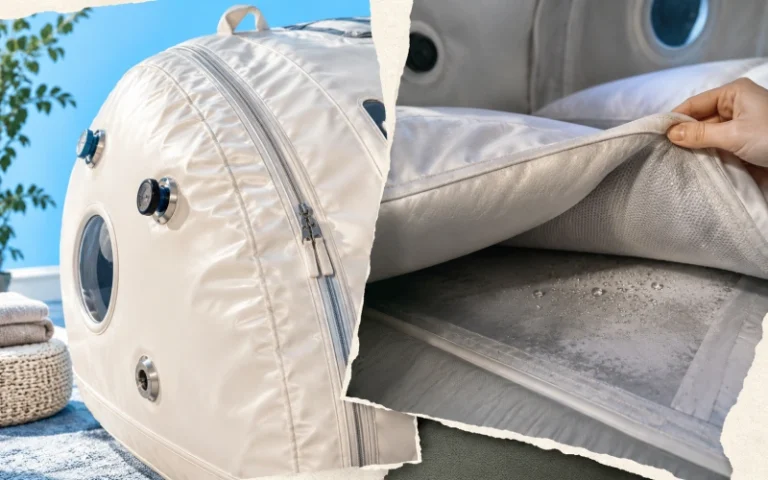
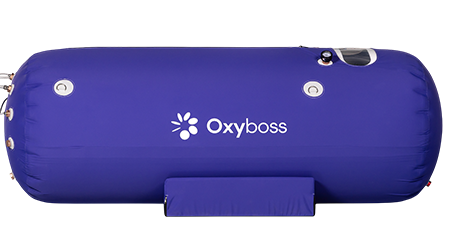
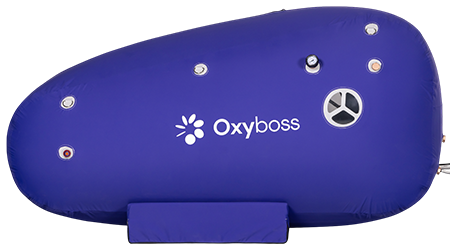
- Soft chambers (OT-S15T, OT-S158, OT-S159) — medical-grade TPU, max 1.5 ATA, adjustable from 1.1 ATA. Air compressor and 10L oxygen concentrator. Oxygen comes through the mask, not the whole chamber.
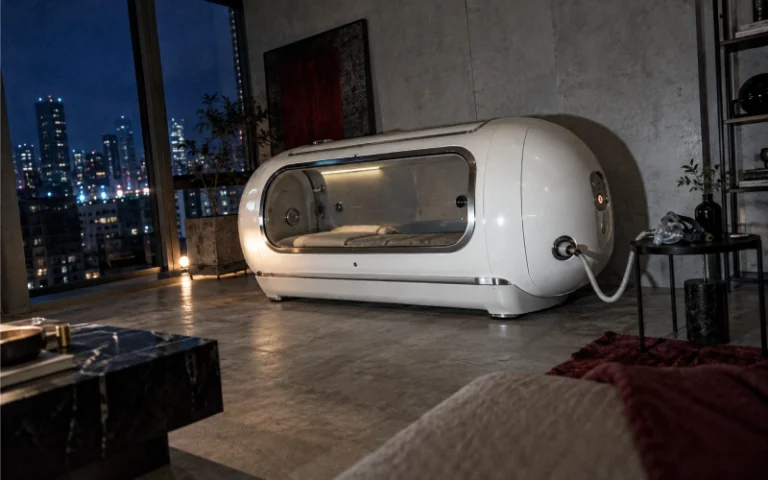
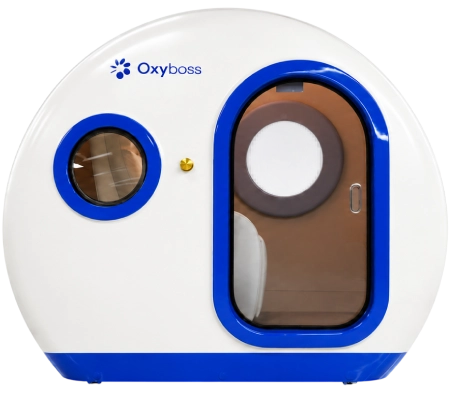
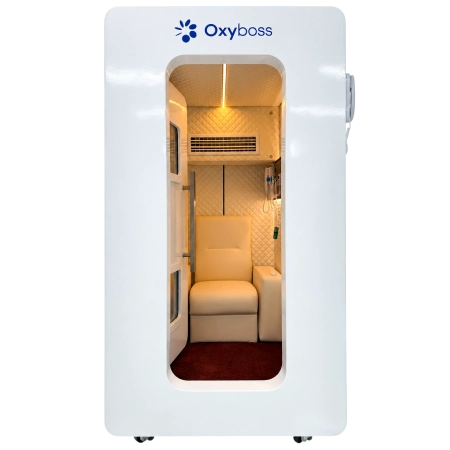
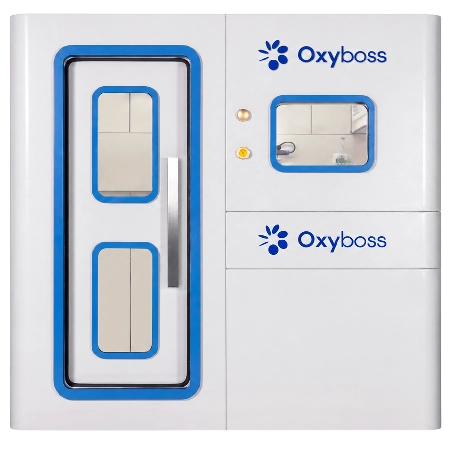
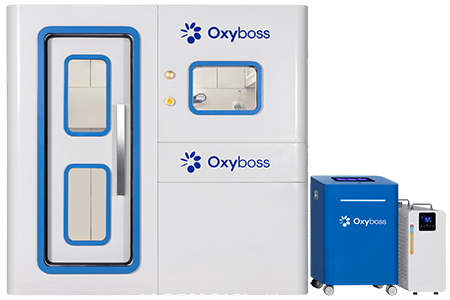
- Hard capsule chambers (OT-H201S, OT-H201M) — aluminum alloy, 1.1–2.0 ATA. 3-in-1 unit (10L concentrator + air compressor + AC).
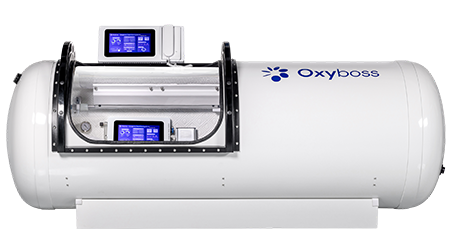
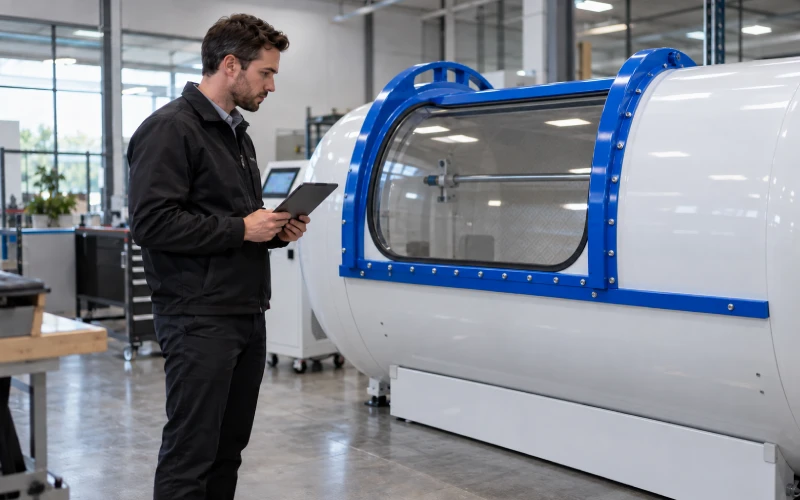
- Hard sitting chambers (OT-H202, OT-H301, OT-H401, OT-H402, OT-D201) — aluminum alloy or Q235 carbon steel, 1.1–2.0 ATA. Same 3-in-1 architecture; two-person models step up to a 20L oxygen output.
Across the whole line, the chamber is pressurized with air, not oxygen. The 90% ± 3% oxygen goes to the user through a mask or nasal cannula. This matters when we talk about what’s allowed inside.
The four symptoms, and what each one actually points to
1. Chamber will not turn on at all
Almost always a power issue at the wall, not a chamber issue.
- Is the breaker tripped? Reset it once. If it trips again, stop — don’t reset a third time.
- Is the outlet dead? Try another appliance.
- Is the power cord seated at both ends?
- Is the touch screen dark, or does it flash then go dark? A flash-then-dark screen is a different problem from a dead screen. Write down which one.
If none of that fixes it, this is a service item. Skip to the info sheet at the bottom.
2. Chamber powers on but won’t inflate
This one is almost always mechanical, and almost always the seal path.
- Zippers closed? Soft chambers have a specific closing order for the zipper layers. Follow the sequence in the manual, and pull each one all the way to the stop.
- Door fully latched? On hard chambers, look at the latch indicator. It’s binary.
- All vent valves closed? Both the manual dump valve inside the chamber and the manual dump valve on the outside. If either is even slightly cracked, pressure will not build.
- Fresh air hose kinked or crushed? Check the full length between the 3-in-1 unit and the chamber, especially at floor transitions and behind the unit.
- Fresh air inlet blocked? The intake needs clear space. If the unit is against a wall or a piece of furniture is leaning on it, move it.
Rule of thumb: if the chamber won’t inflate, the problem is between the compressor outlet and the inside of the chamber — not inside the compressor itself, at least not to start with.
3. Chamber inflates but is slow to reach target pressure
Look at both clocks again. If you’re on 1.5 ATA and it takes 14 minutes instead of 10–12, that’s within normal drift for a warm day, a full chamber, or an intake filter that’s due for service.
- Intake filter overdue? Filters are on a 3–6 month or ~500-run-hour schedule. A dirty filter is the single most common cause of slower fill times.
- Ambient temperature high? Compressors work harder in a hot room. The 3-in-1 unit has an AC module but it’s climate-controlling the chamber, not the equipment room.
- Small leak at a fitting or hose coupling? Not enough to hiss audibly, but enough to make the fill time creep. Soap-and-water on the fittings will show you.
If the fill time is 50% longer than the reference or more, treat this as a leak or a filter issue and start there.
4. Chamber reaches pressure, then won’t hold
This one has a specific number that fixes half the diagnosis: how much pressure is lost per minute after the compressor cycles off.
- Bring the chamber to target pressure.
- Note the gauge reading.
- Let it sit for 5 minutes without touching anything.
- Note the reading again.
Write down both numbers and the time between them. Now your service team can tell the difference between “sensor drift” and “actual leak” without guessing.
If the loss is fast enough to see live on the gauge, don’t get inside — troubleshoot with the chamber empty.
Five checks you can do yourself. And what to leave alone.
Do:
- Confirm the outlet, cord, breaker, and switch.
- Confirm every zipper, door, and vent valve is in the closed position.
- Look at every visible hose and coupling for kinks, crushing, or loose fittings.
- Wipe the intake grille, look at the filter, check that nothing is blocking airflow around the unit.
- Log the gauge readings — at rest, during ramp, at target, and 5 minutes after target.
Don’t:
- Don’t open the 3-in-1 unit housing. There’s compressed air, an oxygen concentrator, and electronics inside; you’ll void warranty and hurt yourself.
- Don’t cut, splice, or replace the fresh-air hose with something you had in the garage. It’s rated for the pressures it carries.
- Don’t try to force a stuck zipper. Bring it back to the stop, then re-close from the start.
- Don’t touch the calibration on the pressure sensor or the oxygen analyzer.
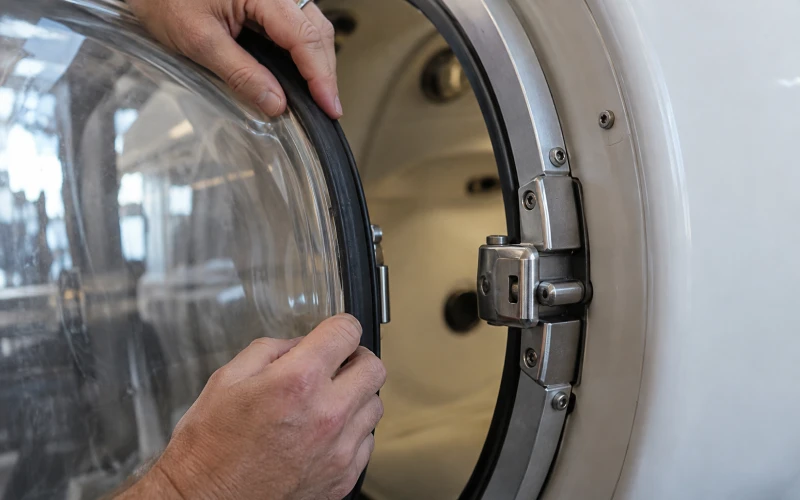
- Don’t run the chamber if the acrylic viewport is cracked, crazed, whitened, or has any visible edge damage. Stop the session and reach out.
When to stop the session immediately
Some symptoms mean “call for service later.” These mean “end the session now, open the door once pressure is at ambient, and don’t run it again until it’s been checked”:
- Any burning smell, plastic smell, or visible smoke, at the unit or inside the chamber.
- Repeated GFCI or breaker trips within the same session.
- Loud metallic grinding or a knocking sound from the compressor.
- Visible crack, whitening, or edge damage on the acrylic viewport.
- Any deformation of the chamber body or door.
- Chamber ambient oxygen alarm at 24% (the ambient inside the chamber should not go above ~21% — 24% means the mask leaked significantly or the exhaust line came off).
- The gauge reads higher than 2.0 ATA on a hard chamber, or higher than 1.5 ATA on a soft chamber, and won’t stop climbing.
The chamber has both an automatic pressure relief valve and a manual mechanical dump valve — one inside, one outside — that work with no electricity. Both are designed to be usable in exactly this situation. Once the chamber is at ambient pressure, the door opens by hand.
For product-related hazards involving hyperbaric chambers, the U.S. FDA has published a public safety communication that covers what to watch for and how to report incidents. It’s a good reference to keep bookmarked alongside the manufacturer’s manual (see the FDA Safety Communication on non-hospital hyperbaric chambers).
What you can bring in, and what stays outside
This is the section people get confused on, because the internet mixes up two different chamber designs.
Our chambers pressurize with air. The 90% oxygen only reaches the user through the mask or nasal cannula. So the strict “no synthetics, no petroleum products, no electronics” rule that applies to fully oxygen-pressurized chambers is not the whole story here. What matters is the oxygen contact zone — the mask, the hose, the fittings, and everything within arm’s length of them.
Keep out of the oxygen contact zone:
- Petroleum-based skin products (Vaseline, oil-based moisturizers, lip balm), on the face or hands. Reference: Compressed Gas Association CGA G-4.1 on cleaning equipment for oxygen service.
- Synthetic clothing that generates static, near the mask.
- Aerosols and alcohol-based hand sanitizer applied right before entering.
- Lit anything. Ever.
Fine inside the chamber (not inside the mask):
- Cotton clothing. Loose is better.
- Low-voltage electronics under 24V — phones, tablets, e-readers. Chargers stay outside.
- A book, a water bottle, a pillow.
Never inside, regardless of design:
- Lighters, matches, e-cigarettes, vape pens.
- Portable heaters, hair dryers, anything with an exposed heating element.
- Anything with a lithium battery that’s damaged, swollen, or older than a few years.
If a session runs commercial back-to-back, wipe the mask and rinse it between users. Don’t share masks without cleaning. Replacement masks are inexpensive and it’s the right call.
The information sheet — what to gather before you contact us
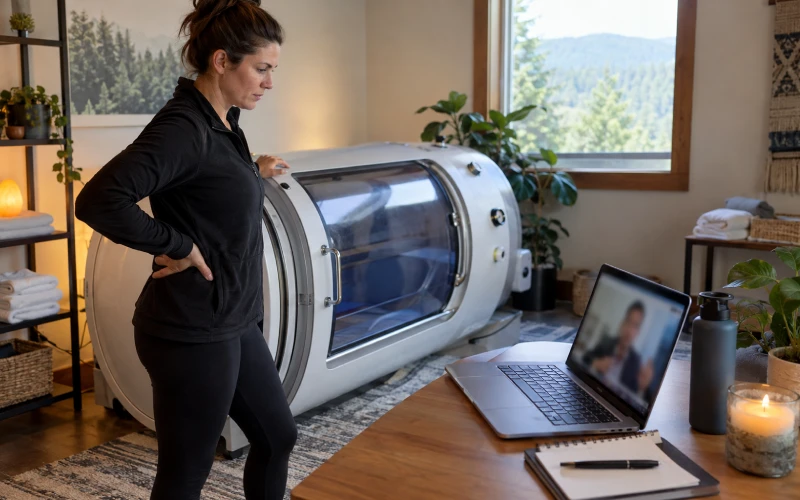
This is the part the whole page is built around. Fill it out once and paste it into the message. It cuts response time from days to hours, and it’s the difference between “we’ll ship a part” and “let’s do a video call to figure out what’s wrong.”
Identity of the unit
- Model (OB-S15T / OB-H201S / OB-H301 / etc.)
- Serial number (on the data plate — take a photo of the whole plate)
- Approximate purchase or delivery date
- Warranty status if you know it
What you’re seeing
- Which of the four symptoms above matches yours (won’t power on / won’t inflate / slow to pressure / won’t hold pressure)
- When it started — this run, or gradually over the last few weeks
- Does it happen every time, or only sometimes?
- Does it happen with the chamber empty as well as occupied?
- Anything change recently — moved the unit, cleaned it, power outage, new filter, new environment?
Numbers we need
- Target pressure you were trying to reach
- Actual pressure the chamber reached, and how long that took
- Gauge reading at rest (chamber depressurized, unit off)
- Gauge reading at target
- Gauge reading 5 minutes after target, with the chamber sealed and idle
- Ambient temperature of the room
Photos and short videos
- The full data plate (readable, not blurry)
- The pressure gauge at target pressure
- Any alarm code, warning light, or error message on the touch screen (photo of the screen, don’t type it out)
- The chamber intake and the immediate surroundings
- A 20–30 second video of the full startup — screen on, valves closing, ramp beginning, gauge climbing
- If you suspect a leak, a close-up of where you think the air is escaping
Recent history
- Date of the last successful session
- Any part or component replaced in the last 12 months
- Last time the intake filter was changed
- Last time the door seal was inspected (recommended annually)
How support actually works
There’s a picture of the “service call” that shows up in most guides — a technician drives out to your house, opens a toolbox, does a two-hour visit. That’s not how we’re set up, and it’s not usually what you need.
Here’s the flow:
- You send in the information sheet, photos, and video.
- Within 48 hours, our engineer confirms which module is likely involved.
- If a replacement part is needed, it ships within 3–5 days (transit time depends on where you are).
- You do the swap with our engineer on a video call. Because the 3-in-1 architecture is modular, most replacements are unplug-old, plug-new. No tools inside a pressurized chamber, ever.
- If the fix is a settings issue, a calibration issue, or a user-facing procedure, the video call resolves it and no parts move.
Two things this means for you:
- Getting the info sheet right in the first message is worth more than any troubleshooting you can do. A clear photo of the data plate and the alarm screen is more useful than a paragraph of description.
- Don’t wait for a “site visit” that isn’t coming. For non-medical, wellness-grade equipment, on-site dispatch worldwide is not the normal service model — for anyone. Remote diagnosis + module swap is faster and cheaper than dispatch would have been.
Documents you should have on hand
Not because someone will ask — because if the chamber is out for a few days, these are what let a second person pick up where you left off.
- User manual for your specific model. Alarm codes and screen menus are model-specific.
- Purchase invoice or order confirmation. This is your warranty proof.
- Delivery photos (many people take these and forget).
- Any factory acceptance test video the manufacturer sent before shipping — pressure hold, oxygen concentration verification, leak check.
- Certificates for your unit: for hard chambers sold into the EEA, the CE/PED certificate (Directive 2014/68/EU, Module H). For the quality management system, ISO 9001 and ISO 13485. See the European Commission’s PED reference.
- Log of installations, moves, filter changes, and seal inspections. A page in a notebook is fine.
Reasonable maintenance rhythm
This isn’t a maintenance page, but it belongs here because most “sudden” startup delays trace to a maintenance interval that was missed.
- Every session: Wipe the interior with a soft cloth. Air it out for 10–15 minutes after depressurizing.
- Every 3–6 months, or ~500 run hours: Inspect and change the intake filter. Check the drain.
- Every 12 months: Inspect the door seal and the pressure relief system. Check the emergency valves.
- On the schedule your manual gives you: Sensor and gauge verification against a reference.
- Before every use: Look at the acrylic viewport for cracks or crazing. If you see any, don’t run.
Consumables replaced at their own pace:
- Air filter kit — every 500–1,000 run hours
- Door seal — every 2 years or when a leak test shows one
- Molecular sieve — every 5,000–8,000 run hours (this is the concentrator side, not the chamber side)
Standards and references we build to
For readers who want the paper trail:
- NFPA 99 — Health Care Facilities Code, Chapter 14 covers hyperbaric facilities. Relevant to commercial operators as a reference for the environment around the equipment. See NFPA’s public reference page.
- ASME PVHO-1 — pressure vessels for human occupancy. Our hard chamber pressure vessels are engineered to this standard family; the standard is available through ASME.
- EU Pressure Equipment Directive 2014/68/EU — the regulatory framework for the CE/PED marking on our hard chambers.
- FDA public safety communication on non-hospital hyperbaric chambers — worth reading before commercial deployment.
We do not claim FDA clearance, FDA approval, or FDA registration as a medical device, because our products are wellness equipment, not medical devices. That distinction is deliberate and it does not change what the equipment is engineered to do inside its rating.
Quick reference: red flags vs. yellow flags
Red — stop the session, don’t restart until inspected:
- Burning smell, smoke, or repeated breaker trips
- Cracked or whitened viewport
- Loud metallic sound from the compressor
- Chamber ambient oxygen alarm above 23.5%
- Runaway pressure that keeps climbing past the rated maximum
Yellow — finish the current session normally, then check before the next one:
- Fill time noticeably longer than the reference numbers above
- New rattle or a change in compressor pitch
- Small pressure drift over the 5-minute hold test
- Filter overdue by more than 30 days
- One-time trip of the GFCI that reset cleanly
Green — normal, no action needed:
- The chamber does not inflate instantly — filling takes 5 to 25 minutes depending on target and model size
- Small variation in fill time between a cold morning and a warm afternoon
- Pressure “settles” a hair after the compressor cycles off, because air cools slightly
Frequently asked questions
Why does my chamber take longer than my friend’s?
Different model, different size, different target pressure, different ambient temperature. Compare against the reference times for your specific model, not against someone else’s run.
Is the chamber supposed to inflate instantly?
No. Pressurization is a controlled ramp for the user’s ears, not a race. Ramping too fast is a design flaw, not a feature.
Can I use the chamber if the gauge reads slightly different from last week?
If the difference is a few percent and everything else is normal, yes. If it’s a big jump or the number moves visibly while you watch, no — that’s a sensor or a leak issue.
Do I need a certified technician to reset alarms?
For an alarm that’s already documented in your manual with an operator-level reset procedure, no. For anything not in the manual, for anything that involves opening the housing, or for anything happening more than once — yes, get us on a call first.
Can I move the chamber to a new room by myself?
Soft chambers, yes — they’re 18–24 kg. Hard chambers are 300–900 kg and need real equipment. After any move, run the 5-minute pressure hold test on the empty chamber before the first session.
What happens if the power cuts out mid-session?
The manual mechanical dump valves (inside and outside) work without electricity. Once pressure is at ambient, the door opens by hand. Don’t force anything while the chamber is still pressurized.
Is the mask supposed to fog up?
A little, from breath. If it fogs so much you can’t see, the fit isn’t right or the exhaust port on the mask is blocked. Refit before you decide it’s broken.
How do I know if it’s the sensor or a real leak?
The 5-minute hold test with an empty, sealed chamber. If pressure drops with nothing inside and no one touching anything, it’s a real leak. If pressure holds but the gauge reading looks off, it’s likely a sensor.
What if I bought the chamber used from another owner?
Send us the serial number. We can tell you the manufacture date, the original delivery date, and what warranty (if any) is still active. Second-owner support is available at parts-cost pricing.
In one line
Startup problems are almost always seals, valves, filters, or a photo the support team needs. Fill out the info sheet, send it with pictures and one short video, and most of the back-and-forth disappears.